
Tech & Telco Insights
Expert advice, industry trends, and business technology solutions to keep you ahead

As technology accelerates, 2026 will be a year where communications and IT converge more tightly ...

As the holiday season draws near, it's more than festive cheer—it’s prime time to gear ...

When it comes to customer communication, businesses have traditionally relied on phone calls and email. ...

Gigabit fibre internet delivers lightning-fast speeds, low latency, and rock-solid reliability, but who benefits most ...

Slow or patchy internet might seem like a minor inconvenience, but the costs for your ...

Is your business running on internet speeds that can’t keep up? Your internet connection isn’t ...
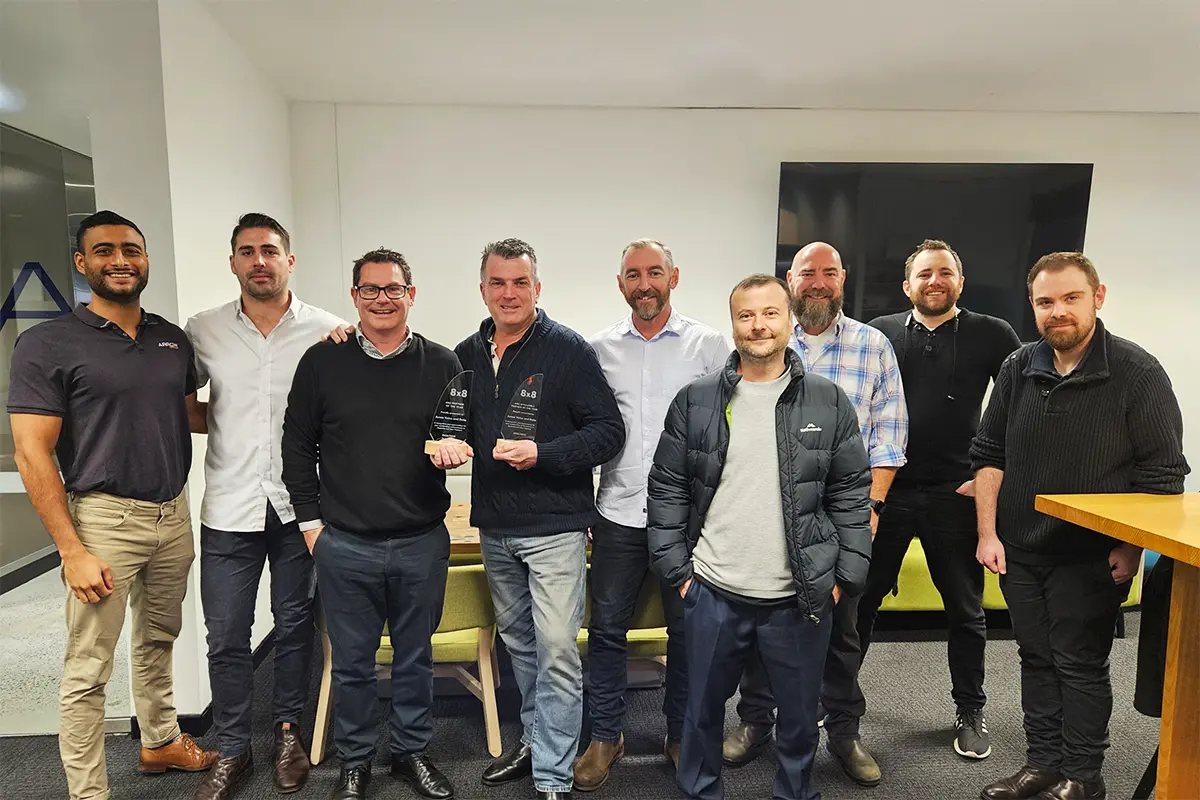
Four Years of Excellence: Arrow Named 8x8 ANZ Partner of the Year Again! We’re incredibly ...

As the holiday season approaches, it’s time to start thinking about more than just office ...

It’s official. 3G is to be switched off between the end of 2023 and ...

Arrow Earns Top Honours as 8x8's ANZ Partner of the Year, 2023/2024 8x8's ANZ Annual ...

It’s becoming increasingly apparent that many consumers would rather reach for a chat window or ...

To prioritise customer satisfaction and experience, businesses must connect on their preferred communication channels, ensuring ...